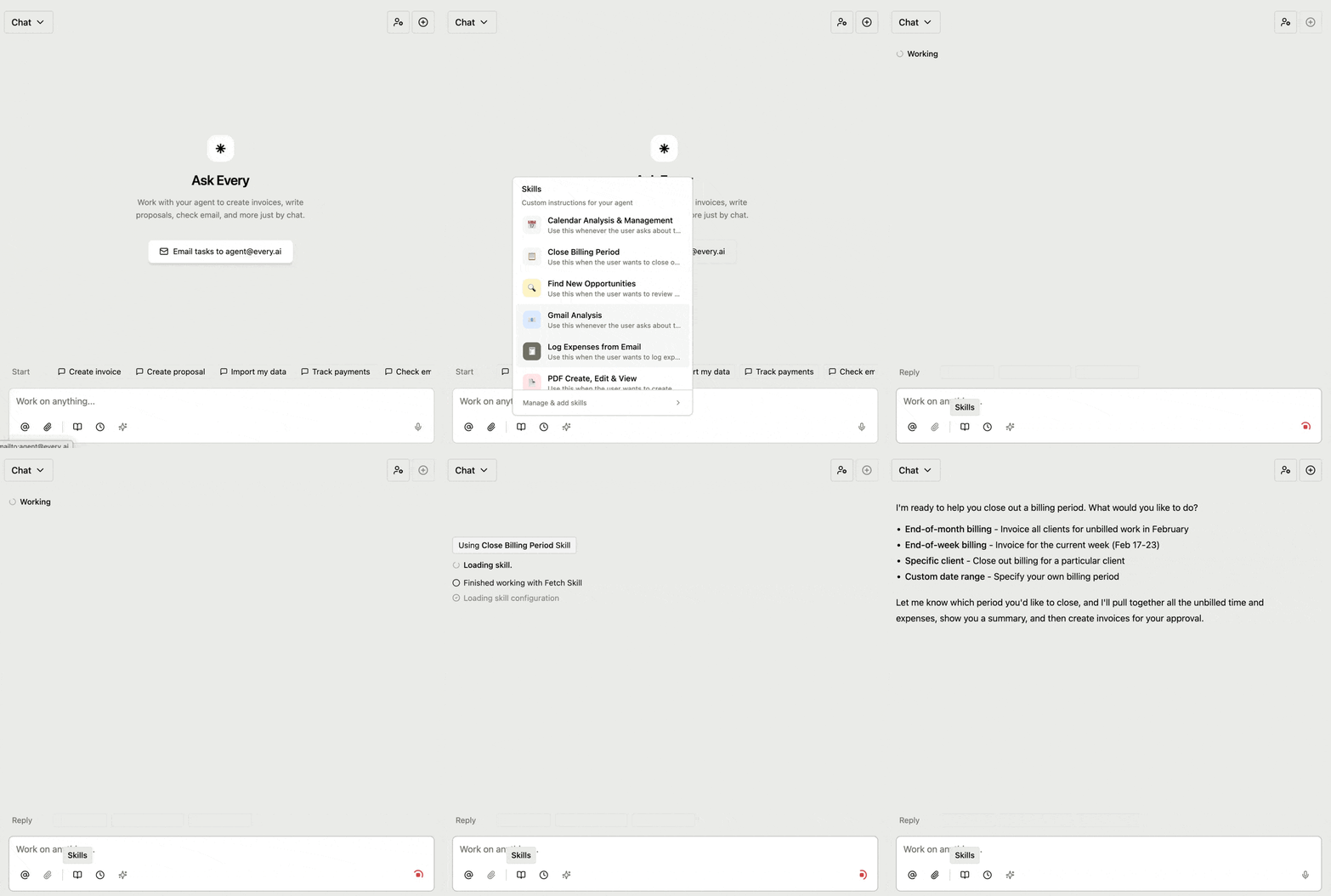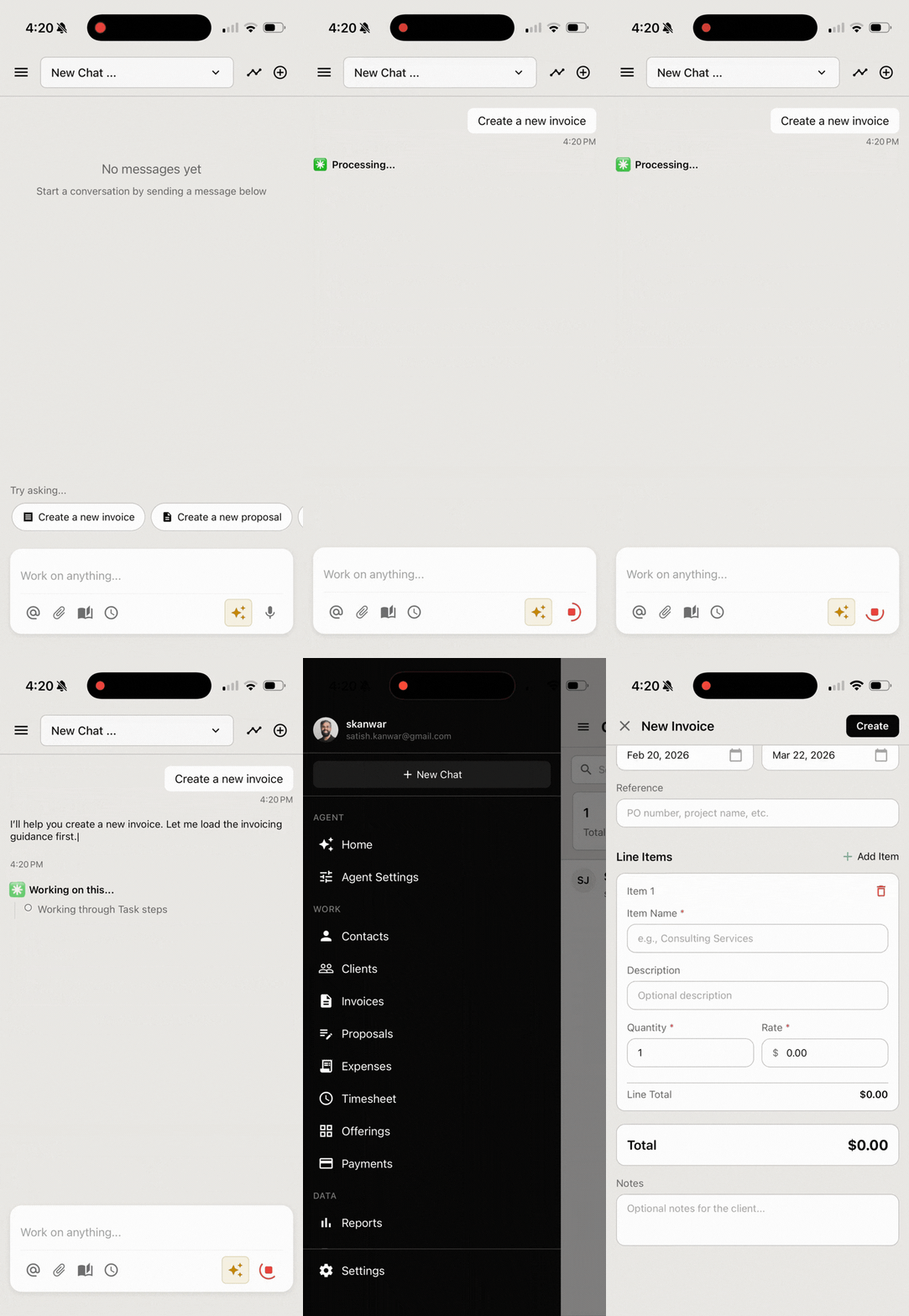
v1.14.0
Services & Products, Voice & Tone, Data Pages
Offerings are split into services and products, your agent now speaks in your brand's voice, and there are dedicated pages for importing and exporting data.
Services and products
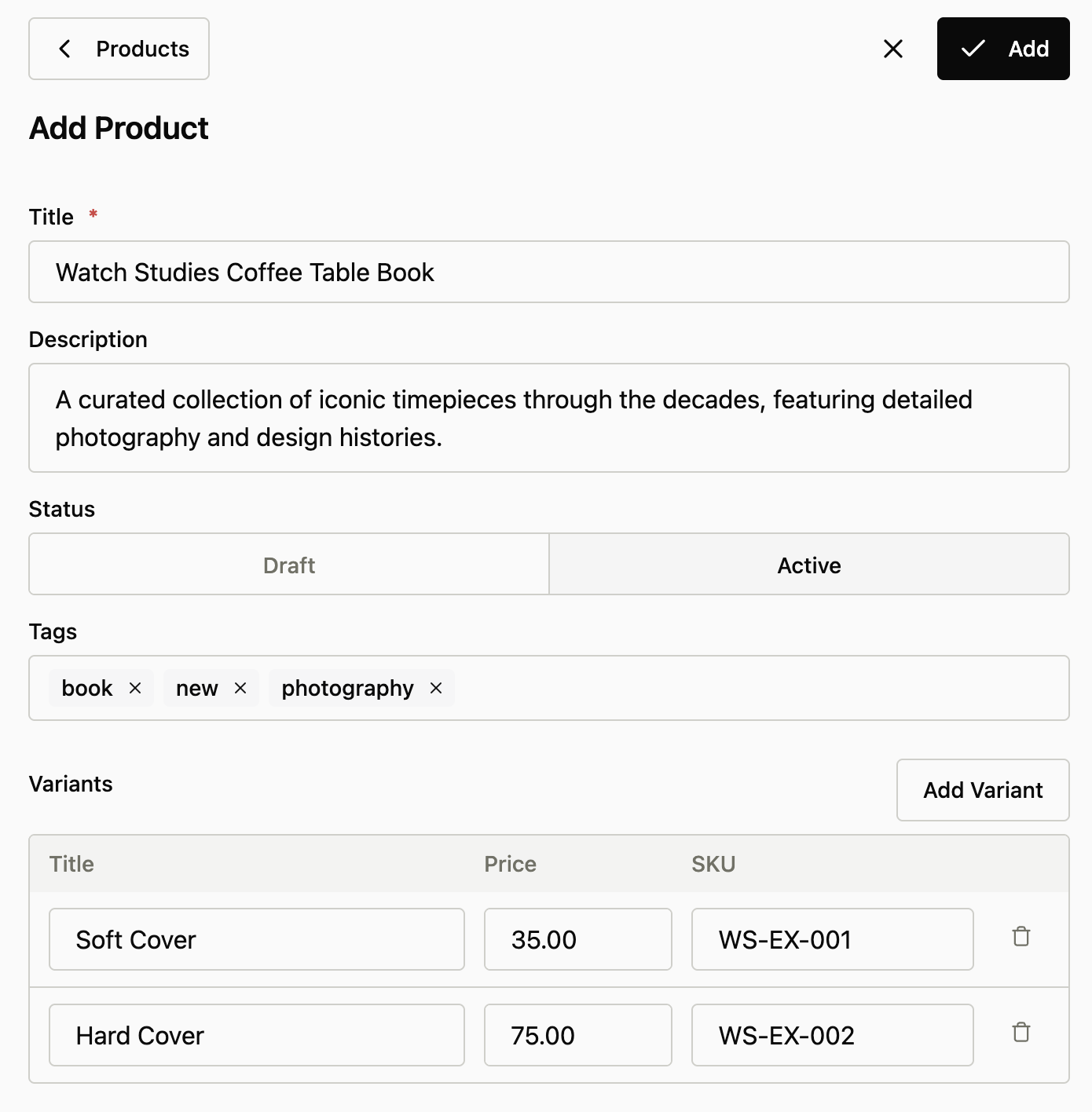
Offerings are now two things: services (work you do) and products (things you sell).
- Services replace the old offerings with the same pricing models (fixed or hourly), booking, and time tracking support
- Products are new: a parent item with variants, each with its own SKU, price, and options. Modeled after how Shopify and Google Shopping handle inventory
- Invoice and proposal line items connect directly to services or products, so pricing stays in sync with your catalog
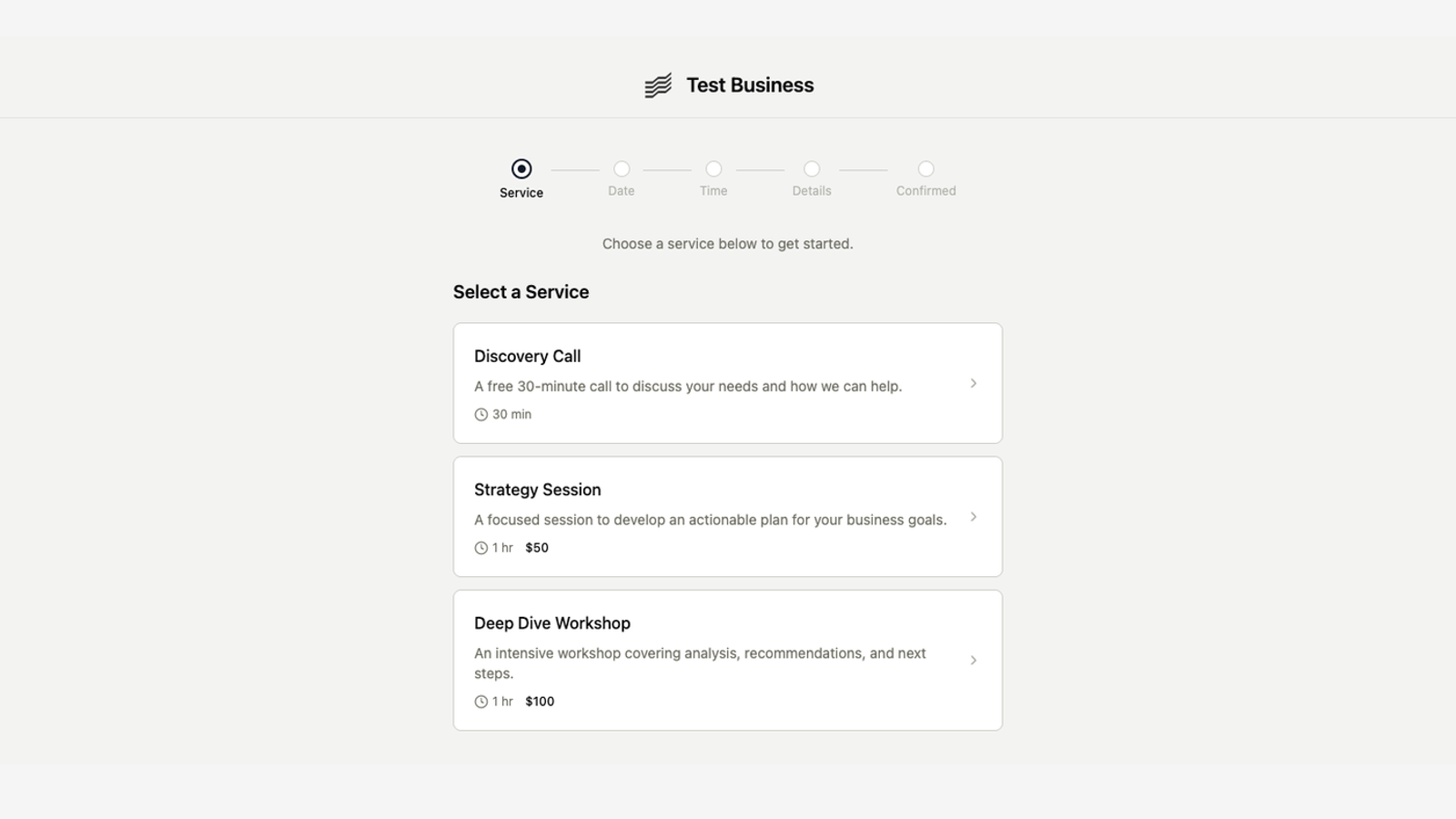
- Booking pages reference services only. Products don't have bookable time slots
Brand voice and tone settings
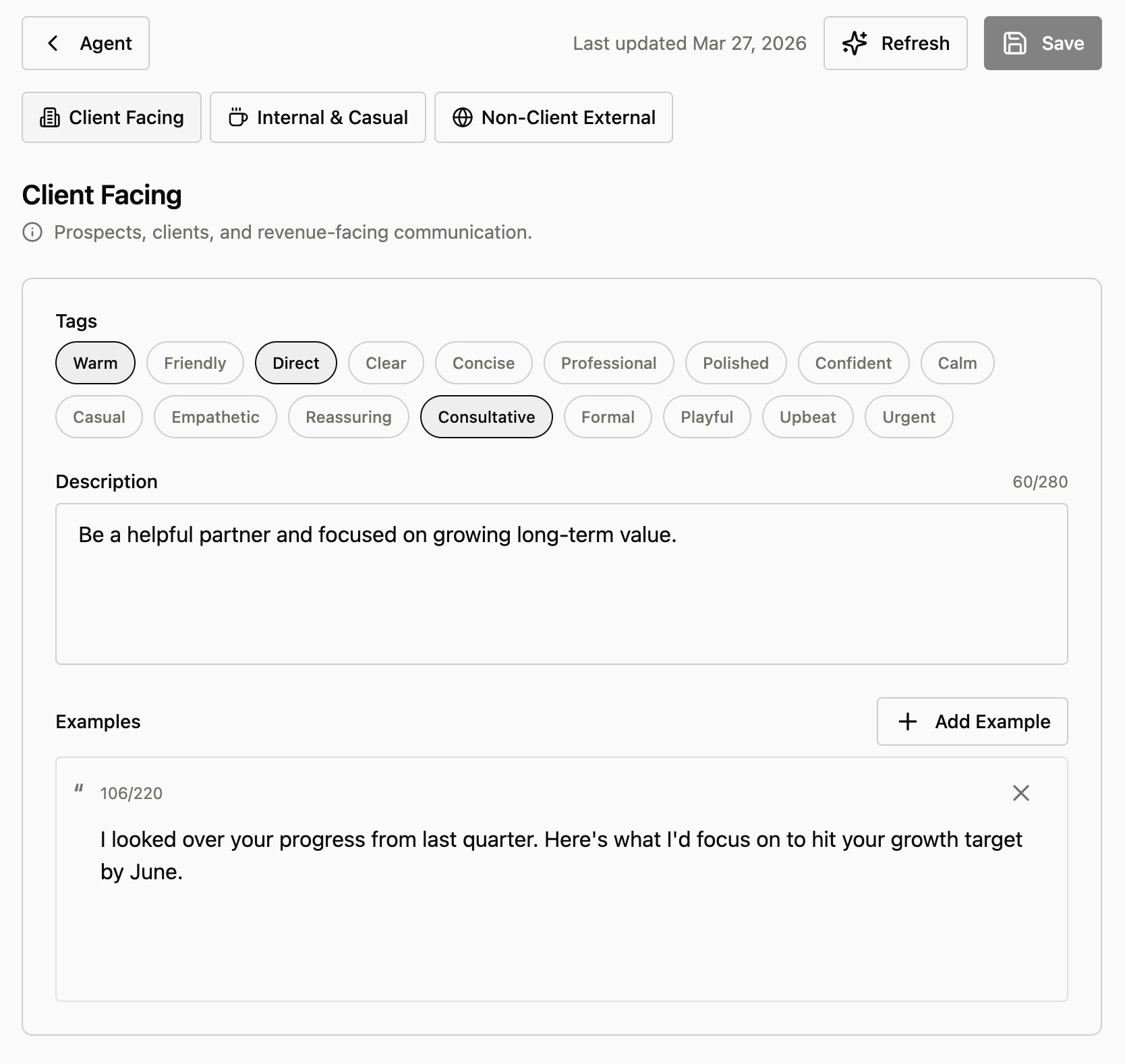
Tell your agent how to sound across clients, teammates, and external contacts.
- Set a distinct voice for three audiences: client-facing, internal/casual, and non-client external. Pick tone tags like warm, direct, professional, or playful
- Add example quotes so the agent has concrete style references
- The agent applies your voice when drafting proposals, invoices, and emails, and falls back to plain professional writing when unsure
Import and export pages
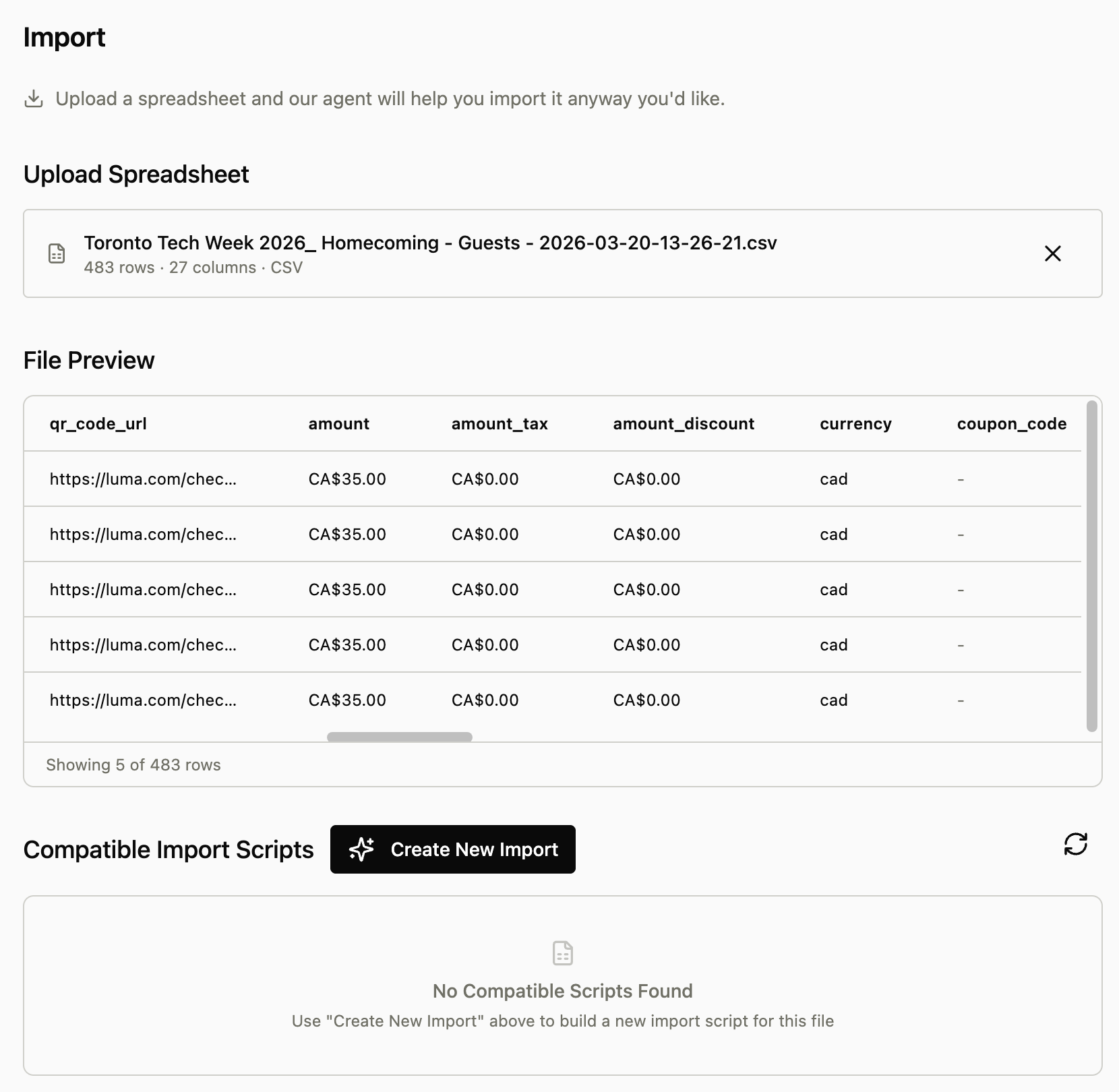
Upload a spreadsheet, match it to a saved script, and run it again. No chat required.
- New Import page: upload CSV, XLS, or XLSX files and preview the data before anything runs
- If you've imported the same format before, the page finds your saved script and lets you reuse it in one click
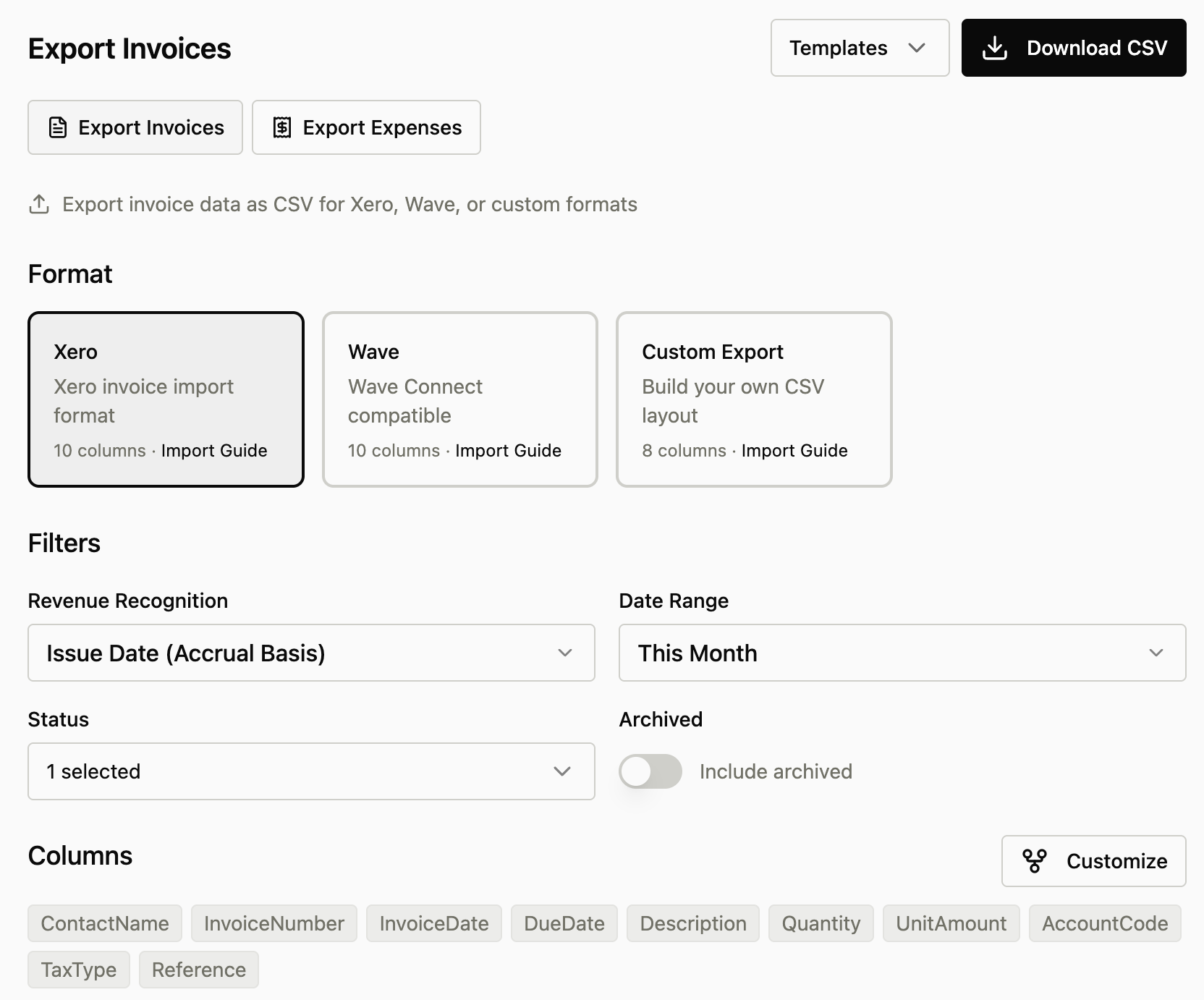
- New Export page: download invoices or expenses as CSV with field selection and presets like standard, detailed, and accounting