v1.24.0
Redesigned Every for Winning Deals
We've made Every a lot simpler and more powerful at winning you new work — starting with warm lead generation. Every scans your network every day, surfaces the best leads for you to review, and puts an AI agent on every deal to work with you and your team.
Warm leads from your network
Every scans your contacts and surfaces the people most worth reaching out to.
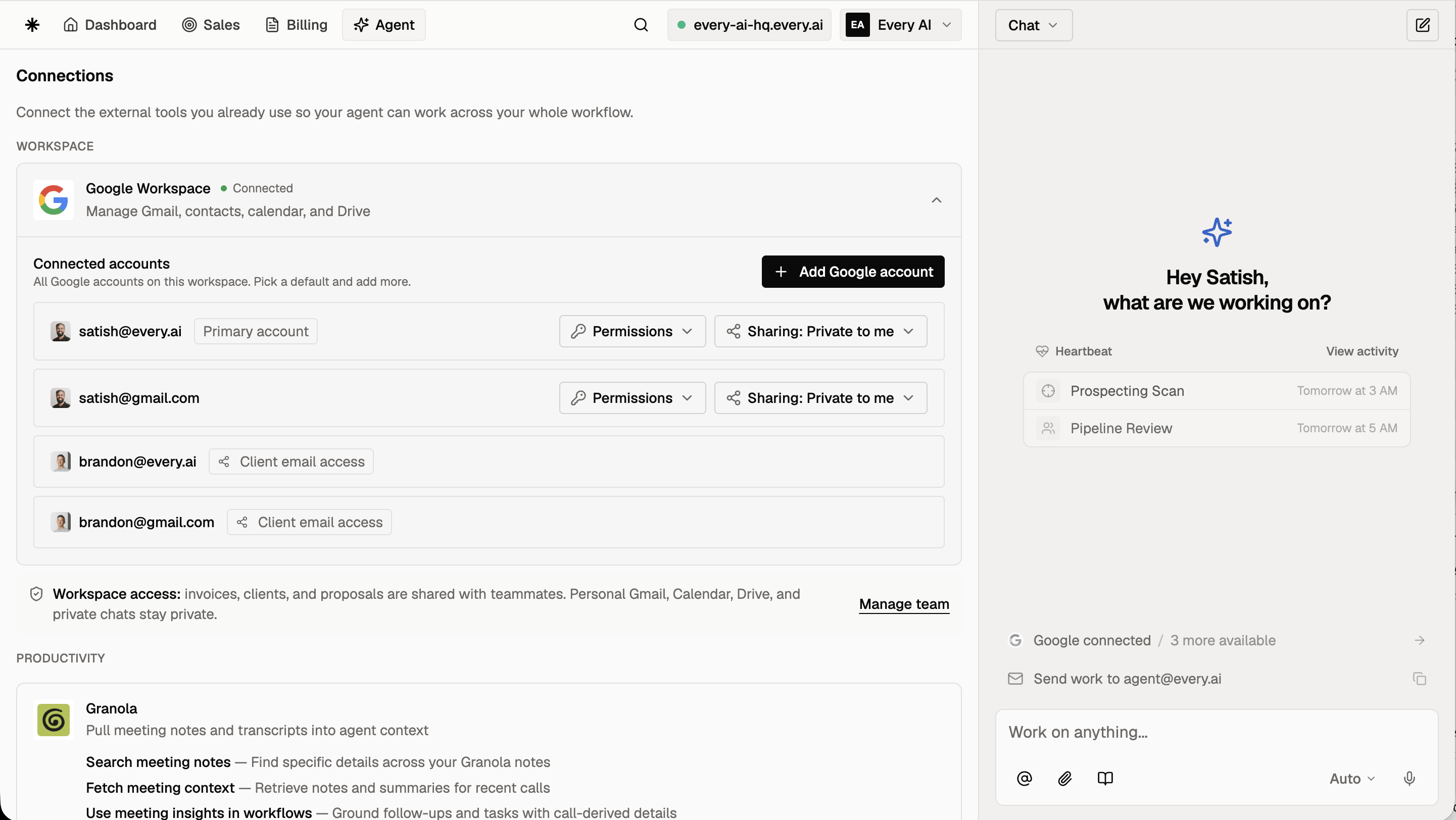
- Connect where your relationships already live: LinkedIn through the Chrome extension, Google, or contacts you add. The more of your network Every can see, the more warm leads it finds.
- The scan runs every day automatically. For a focused run, hit "Find More" on the Pending lane and set the size (5 to 25 leads), the sales goal, and the client type.
- Reject a lead and it disappears immediately. Every asks why in one line, and the next scan uses your answer.
Dashboard designed for your deals
Your dashboard is redesigned around the things you do daily with clients.
- Every card shows where a deal stands at a glance: its value, its status, and a blue cue when the agent's on it. Open one and the details dock beside the board, so you flip from deal to deal without losing your place.
- Log what just happened without breaking stride. Hit ⌘I on any card and type a line, or paste a screenshot of a call note, a DM, or an email, and Every reads it straight into the deal.
- Run the whole board from the keyboard: arrow between cards, Enter to open a deal.
AI agents on every deal
Deals have agents working on them alongside you, watching, planning, and executing when you ask.
- The agent keeps watch on each deal: new replies, inbox threads, and where things have gone quiet. It recommends the next move, so nothing stalls waiting on you.
- Move a deal forward your way: log an update yourself, or just tell the agent in chat, and the plan updates itself to match.
- It carries you all the way through: drafting proposals, sending invoices, and following up to get paid. It does the work with you and always checks before anything goes out.
Collaborating with your team
Shared workspaces have Every Pro tools for combining networks and deals.
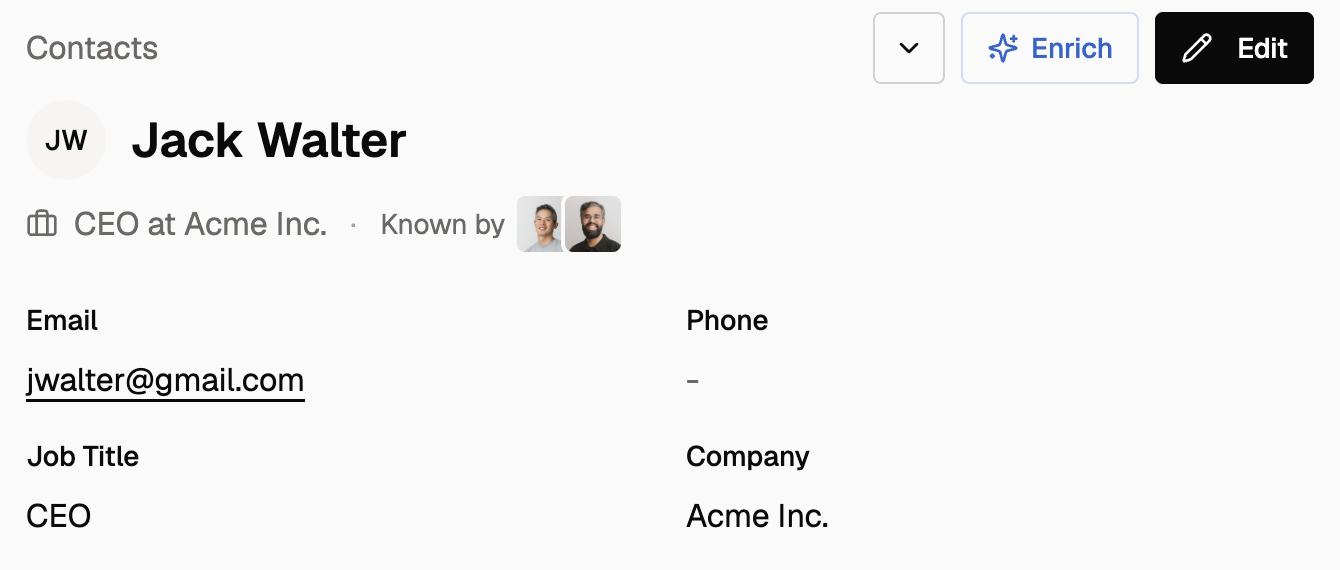
- See the full history across your team: every logged action shows the teammate behind it, the agent's own moves carry the Every mark, and received emails show whose mailbox caught them.
- Hand a deal to a teammate by clicking its owner, and Every rebuilds the plan around the new owner's relationships.
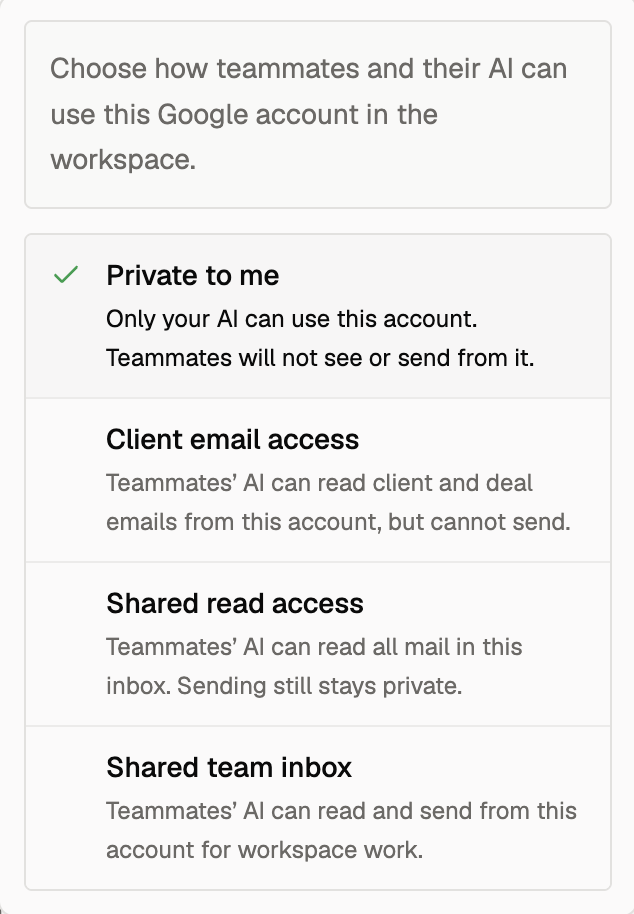
- Invite teammates and set privacy controls, including hiding a teammate's mailbox; solo workspaces are unchanged.