What's New

Stay up to date with the latest features and improvements to Every.

v1.15.0

New Dashboard & Interface + Connect to Claude & ChatGPT

Your homepage is now a configurable command center, and you can manage your business from ChatGPT, Claude, or any AI assistant.

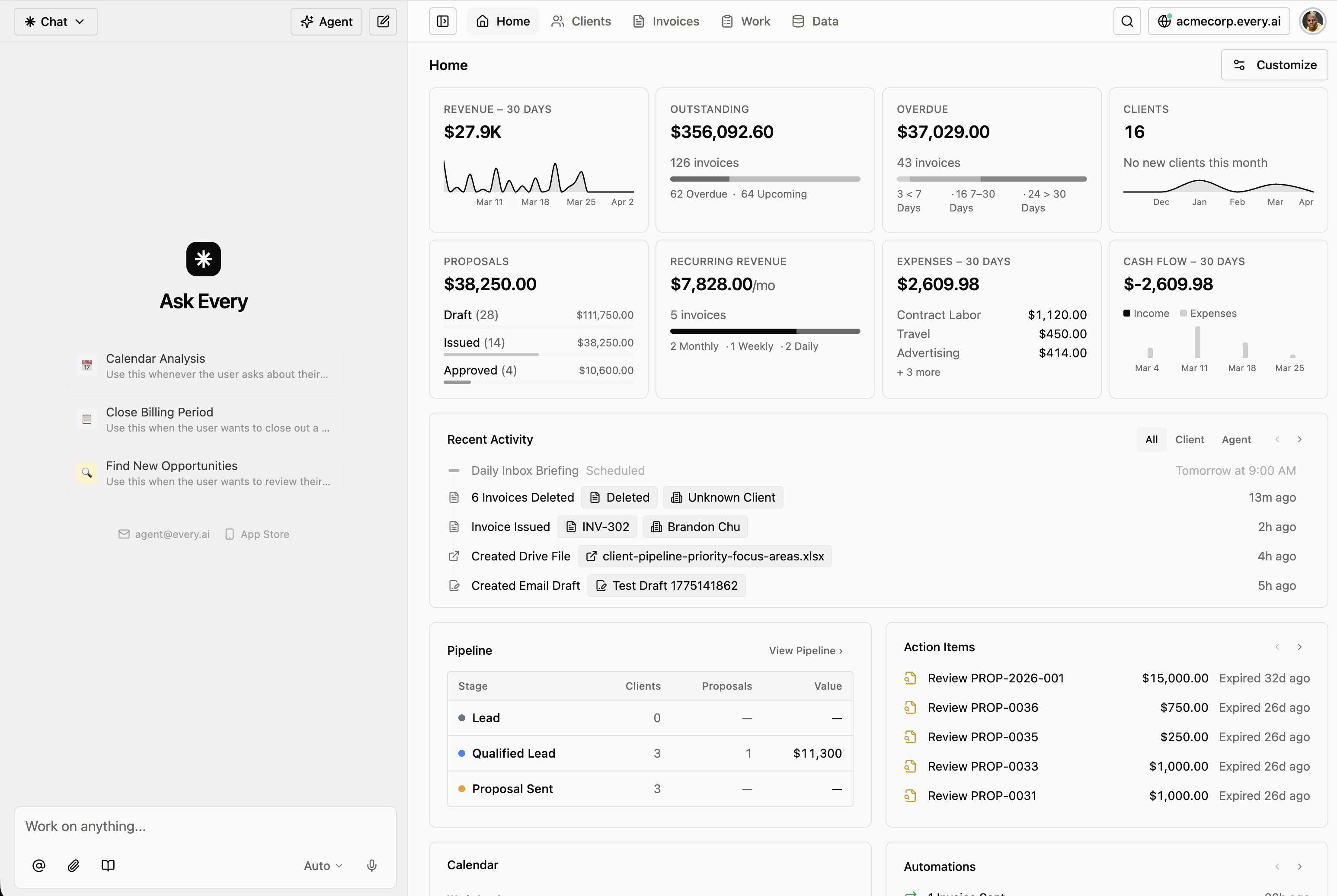
New customizable dashboard

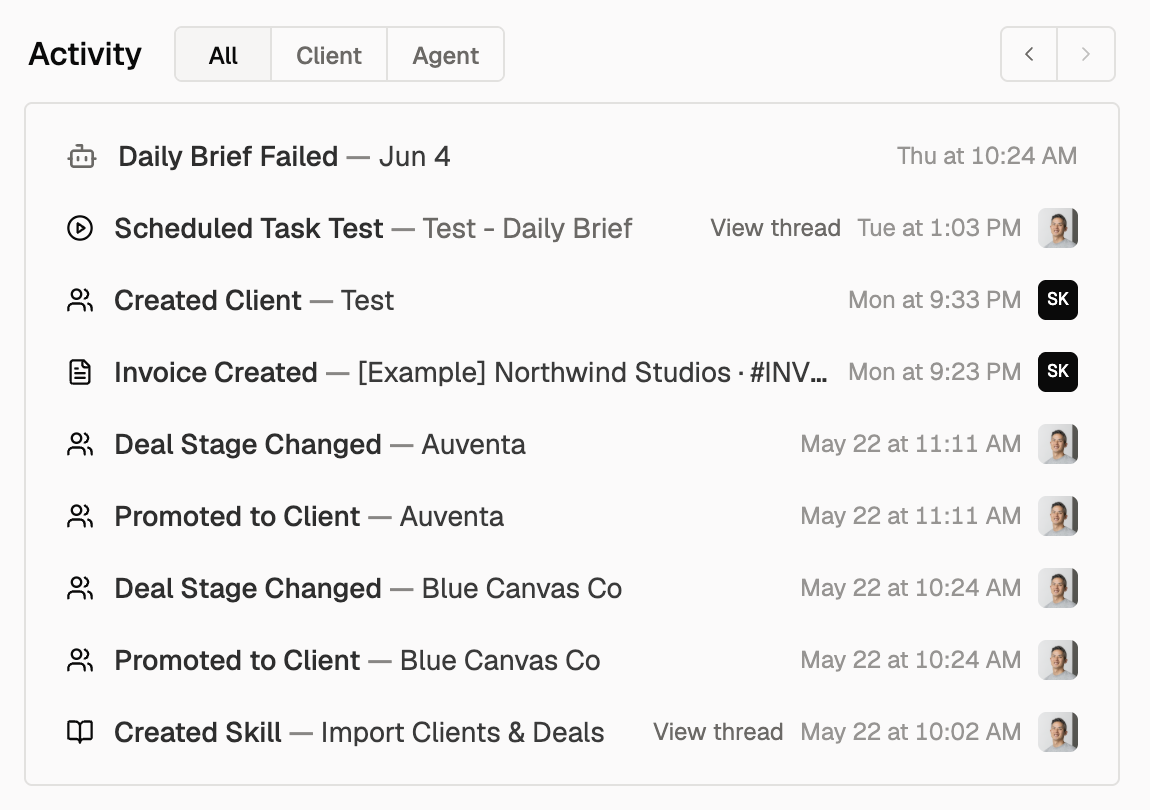
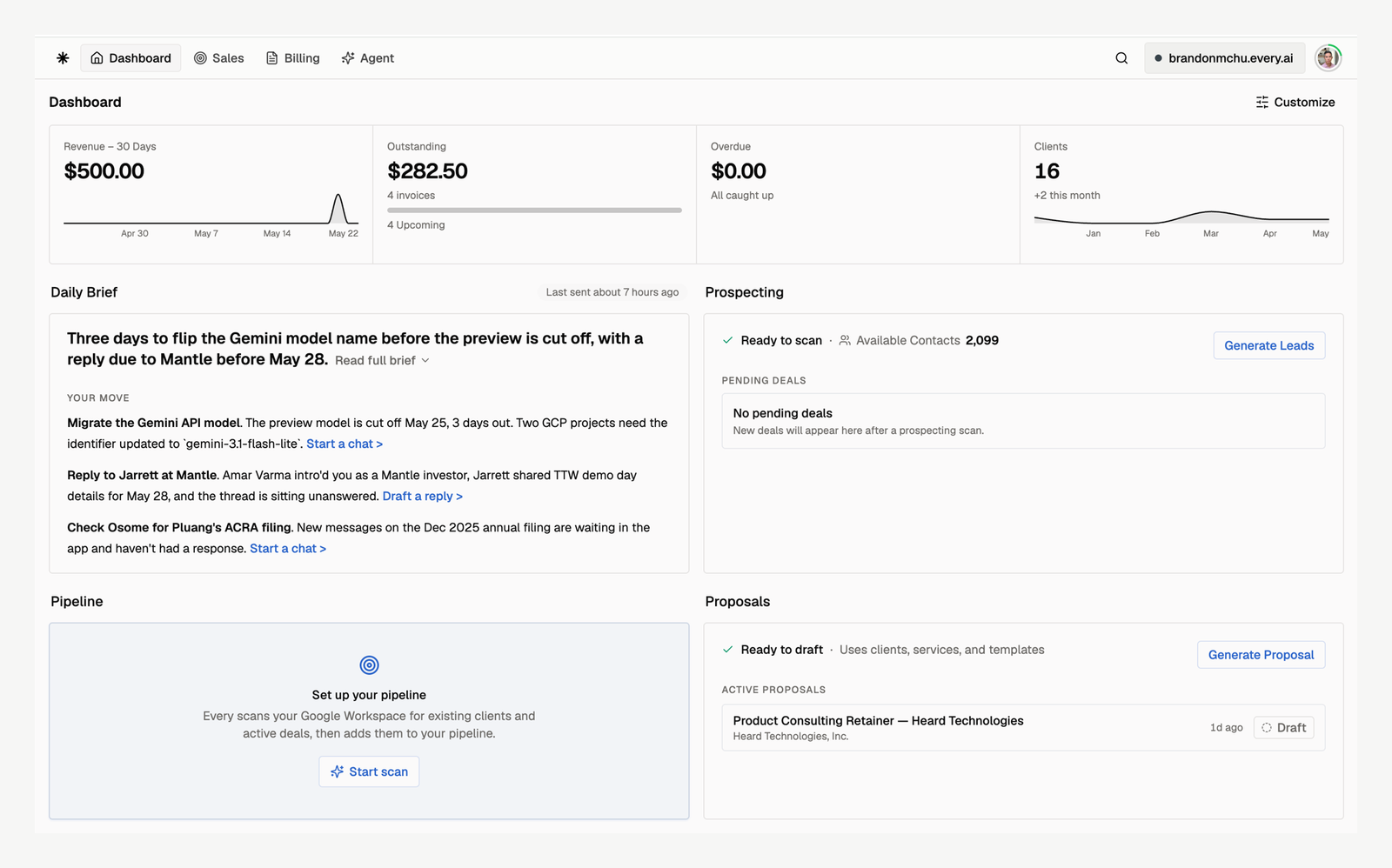
Your homepage is now a command center with widgets for metrics, pipeline, calendar, client activity, and automations.

  • Key Metrics widget shows revenue, outstanding balance, and expenses at a glance — no more clicking around to find the numbers that matter
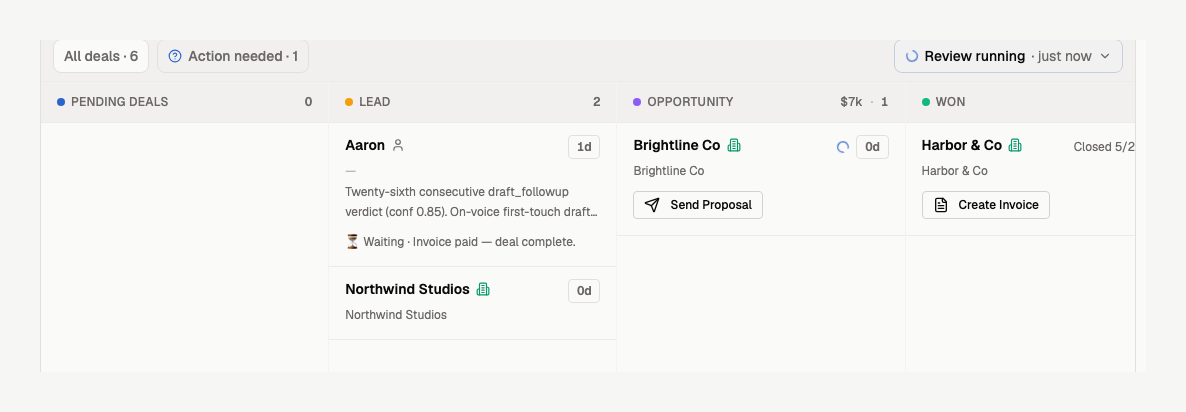
  • Additional widgets for pipeline stages, upcoming bookings, client activity, and recurring invoice automations give you full visibility from one screen
  • Priority Cards surface smart action items that need your attention
  • Fully configurable: show, hide, or rearrange widgets and customize what each one displays to match how you work
New configurable dashboard with key metrics, pipeline, calendar, and activity widgets

Connect to Claude & ChatGPT

Every works inside the AI tools you already use. Connect your account and the AI assistant you're already using becomes one that knows your business.

  • Works with Claude Desktop and Claude CoWork, plus any MCP-compatible client (e.g. ChatGPT Developer Mode, Claude Code, Cursor, and Codex)
  • Same tools and live data as Every Agent inside the app — manage invoices, clients, proposals, payments, expenses, bookings, and more from wherever you already work
  • OAuth 2.0 authentication, organization-scoped access, stateless — your data stays yours
Connecting Every to Claude and ChatGPT via MCP

Redesigned interface

The entire app has been visually refreshed — cleaner layouts, better information density, and a more polished feel everywhere you look.

  • New layout patterns and enhancements across the app to improve utility, density, and visual consistency
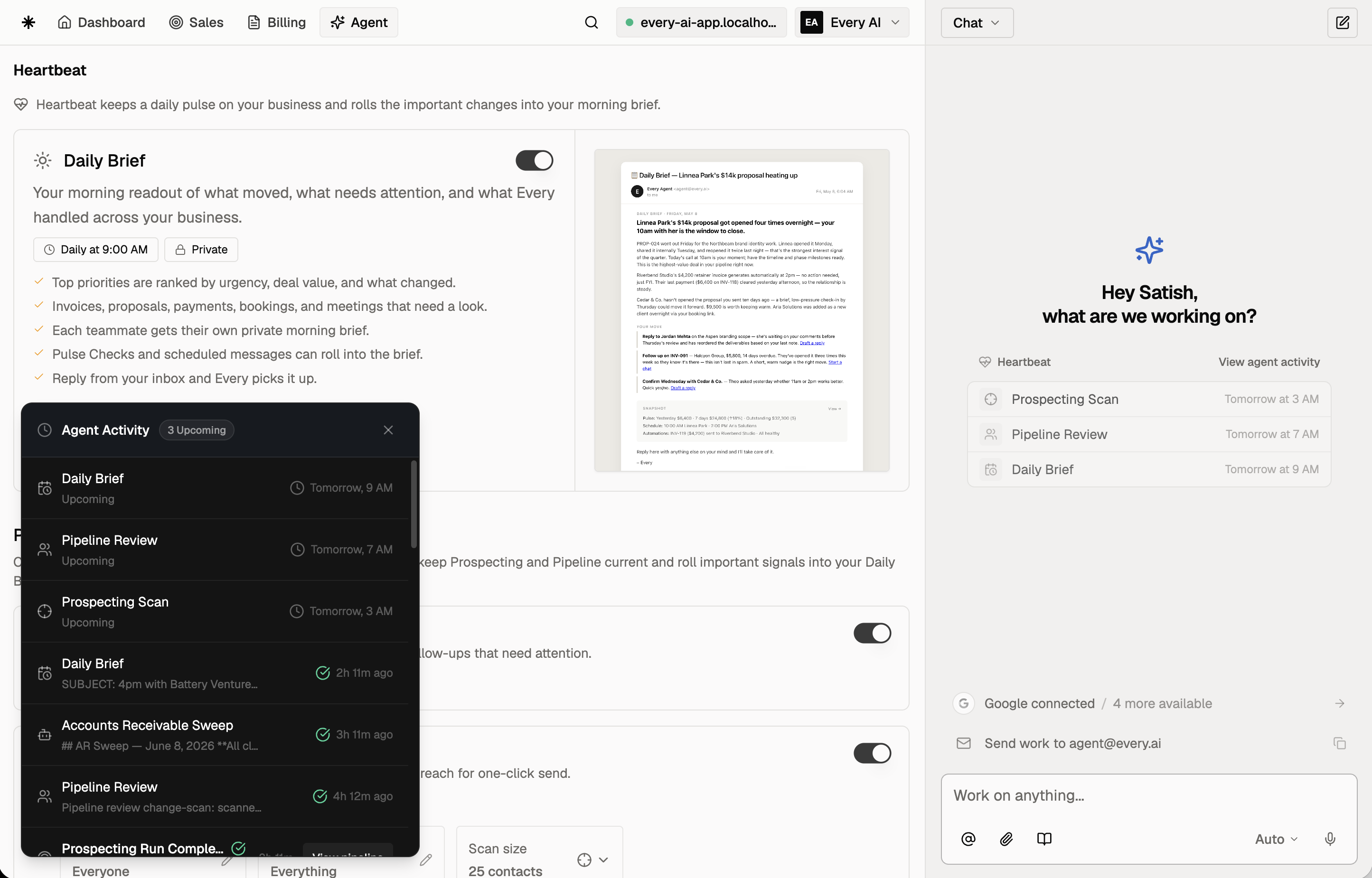
  • Expanded and denser agent chat view with a better experience and easier access to agent settings and features
Redesigned interface with cleaner layouts and improved density
v1.14.0

Services & Products, Voice & Tone, Data Pages

Offerings are split into services and products, your agent now speaks in your brand's voice, and there are dedicated pages for importing and exporting data.

Services and products

Offerings are now two things: services (work you do) and products (things you sell).

  • Services replace the old offerings with the same pricing models (fixed or hourly), booking, and time tracking support
  • Products are new: a parent item with variants, each with its own SKU, price, and options. Modeled after how Shopify and Google Shopping handle inventory
  • Invoice and proposal line items connect directly to services or products, so pricing stays in sync with your catalog
  • Booking pages reference services only. Products don't have bookable time slots
Services and products catalog

Brand voice and tone settings

Tell your agent how to sound across clients, teammates, and external contacts.

  • Set a distinct voice for three audiences: client-facing, internal/casual, and non-client external. Pick tone tags like warm, direct, professional, or playful
  • Add example quotes so the agent has concrete style references
  • The agent applies your voice when drafting proposals, invoices, and emails, and falls back to plain professional writing when unsure
Voice and tone settings with audience tabs and tone tags

Import and export pages

Upload a spreadsheet, match it to a saved script, and run it again. No chat required.

  • New Import page: upload CSV, XLS, or XLSX files and preview the data before anything runs
  • If you've imported the same format before, the page finds your saved script and lets you reuse it in one click
  • New Export page: download invoices or expenses as CSV with field selection and presets like standard, detailed, and accounting
Data import page with file upload and saved scripts
Data export page with field selection and presets
v1.13.0

Branded Client Portals & Subdomains

Your business now has its own client-facing portal. Clients log in at your subdomain, see their invoices and proposals, and book services — all under your brand.

Client portal

A single magic link gets clients straight to their invoices and proposals — no passwords, no signup.

  • Clients receive a magic link — no password, no signup. They click and they're in.
  • The portal shows all invoices and proposals tied to that client's email
  • You can preview exactly what your clients see from your own dashboard
  • Lives at your branded subdomain (acme.every.ai)
Client portal showing invoices and proposals

Your own subdomain

Every client-facing link lives under your brand — invoices, proposals, and booking pages included.

  • Automatically set for existing users based on your company name
  • Change it anytime in Settings — old links redirect to the new one, so nothing breaks
  • Invoices, proposals, and booking pages all use your subdomain automatically
  • Emails to clients link to your subdomain too, not generic Every URLs
Subdomain settings in the Settings page
v1.12.0

Client Booking Pages

Publish a booking page where clients can browse your services, pick a time, and pay — all self-service. Every booking auto-creates contacts, clients, and invoices in your account.

Self-service booking

Clients book appointments through your branded page at {slug}.every.ai

  • Clients pick a service, date, time slot, and fill in their details
  • Three payment options: free, pay at booking (Stripe), or card saved and charged before the appointment
  • Google Calendar integration blocks busy slots and creates events automatically
  • Automated confirmation, reminder (24h and 1h), cancellation, and reschedule emails
  • Clients can cancel or reschedule from a link in their confirmation email — no login needed
Client booking page showing available services

Built on your existing data

Bookings connect to your offerings, contacts, clients, and invoices

  • Select which of your existing offerings are bookable — with duration, pricing, and location
  • New bookers automatically become contacts and clients in your account
  • Paid bookings generate invoices marked as paid — your billing records stay complete
  • Schedule-later mode lets clients commit without picking a date, so you can schedule manually after

Your own subdomain

The start of a client-facing portal at {slug}.every.ai

  • Your booking page lives at a branded subdomain — the first step toward a full client portal
  • Customize with your business name, welcome message, and accent color
  • Set availability schedules, buffer times, and booking policies
  • More client-facing experiences coming to your subdomain soon
v1.11.0

New AI Credits & Custom Skills Builder

Thank you to all our early users for helping make Every better! We're rolling out a new pricing approach, with no change to the price of existing plans. This release brings a new AI credits system that shows exactly how Every is working for your business, plus the ability to teach Every custom skills.

AI Credits

A straightforward way to track and manage your AI usage across Every.

  • All plans include 10,000 monthly credits that reset automatically. Most users won't come close to hitting it.
  • Head to Settings -> Billing to see exactly where your credits go — a usage log breaks it down by feature (agent chat, client enrichment, PDF processing, etc.)
  • Need more? Buy extra credits in one click from $5 to $500 (they never expire), or upgrade to the 5x usage plan for higher monthly limits.
  • Every new account starts with 1,000 free credits — no payment info required. Enough to try the full agent experience before deciding.
AI Credits billing settings showing credit balance, usage log, and purchase options
Track your AI usage and buy extra credits from Settings -> Billing

Custom Skills Builder

Teach your agent how your business works.

  • Open Skills and click 'Create Skill' to start a conversation with the skill builder. Describe what you want — your invoicing process, your writing style, how you handle follow-ups — and the agent turns it into a reusable skill.
  • Toggle skills on and off from the Skills page. Edit anytime by clicking into a skill and describing what you'd like to change.
  • Your whole team shares the same skills, so the agent stays consistent across your org.
Custom Skills Builder page showing skill cards with toggle controls
Create and manage custom skills from the Skills page

Ready to try Every? AI for your client business.

No credit card required. Monthly credits available on plans. 3K credits