What's New

Stay up to date with the latest features and improvements to Every.

v1.5.0

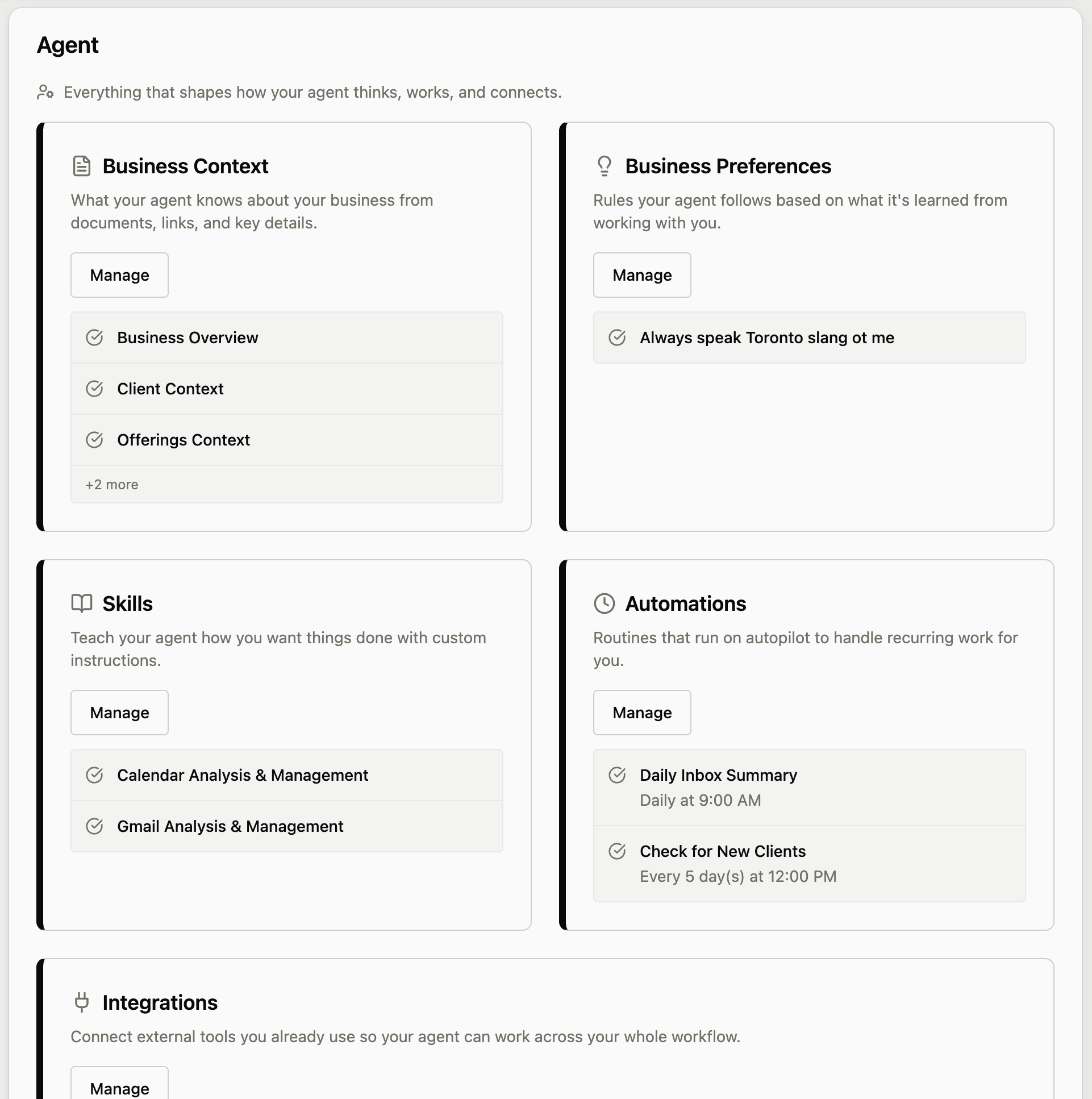
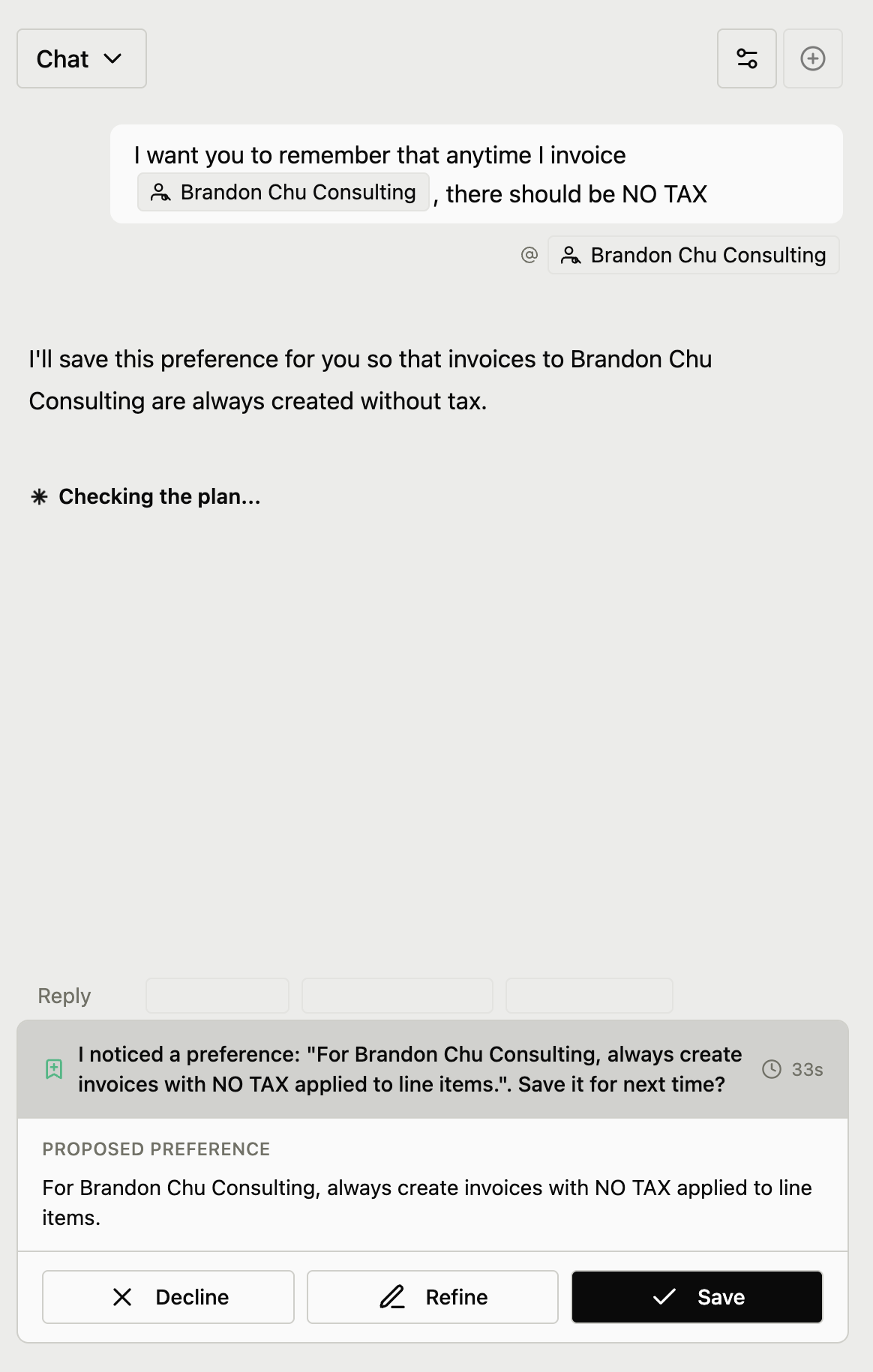
Teach Every Custom Skills

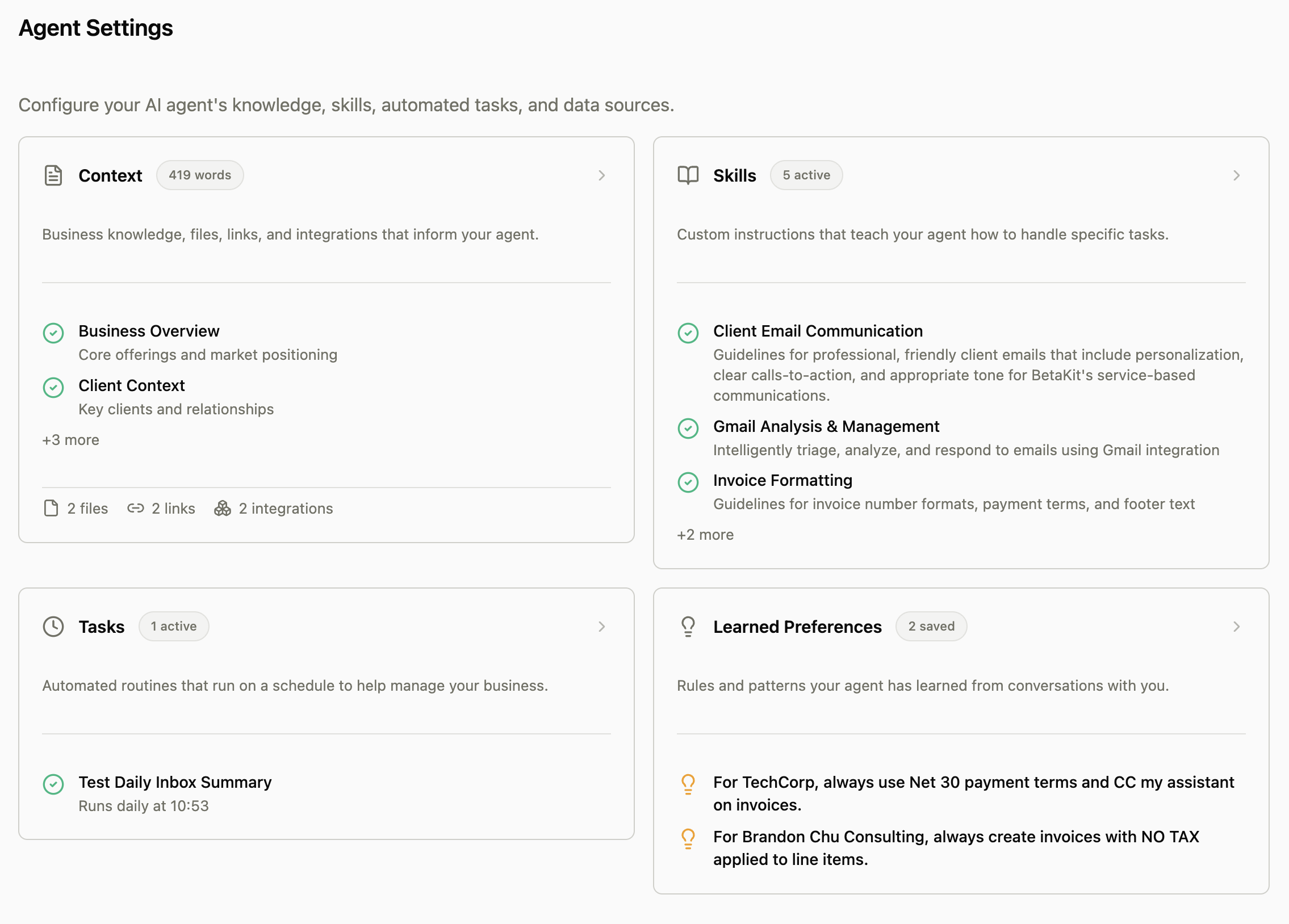
Train Every to work exactly how you want. Create custom skills that teach your AI assistant your preferred writing style, business processes, or domain expertise—and it will apply them automatically.

Custom Skills

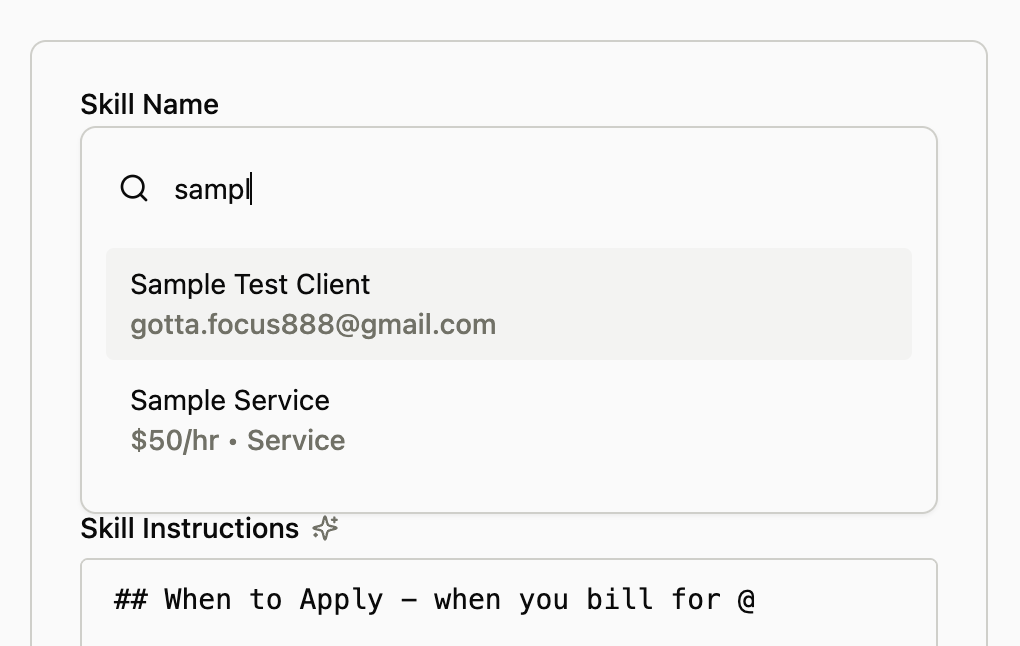
Create reusable instructions that guide how Every handles specific tasks. When you enable a skill, Every automatically applies that knowledge whenever relevant.

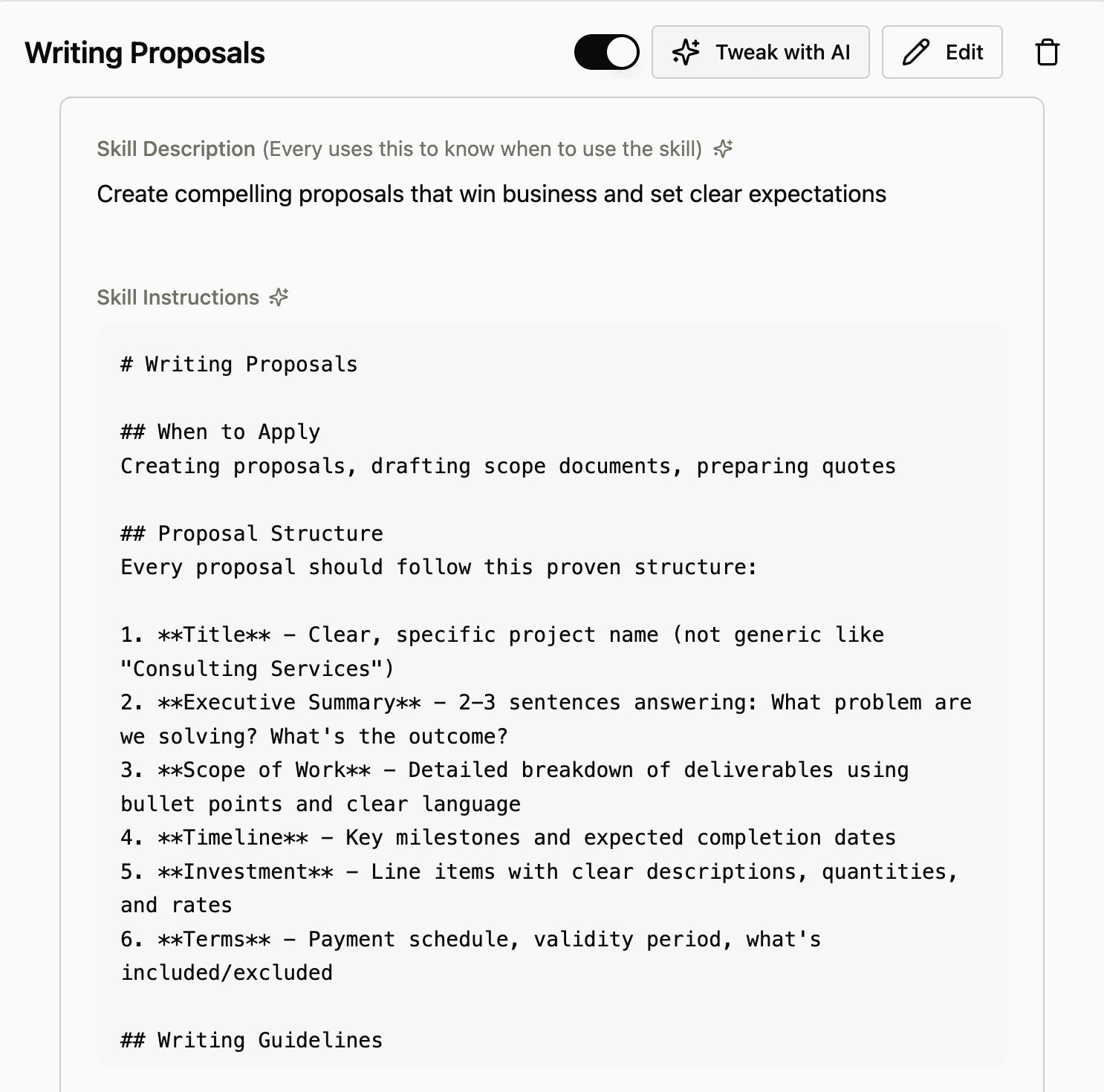
  • Write skills in plain language—describe your proposal structure, communication tone, or industry terminology
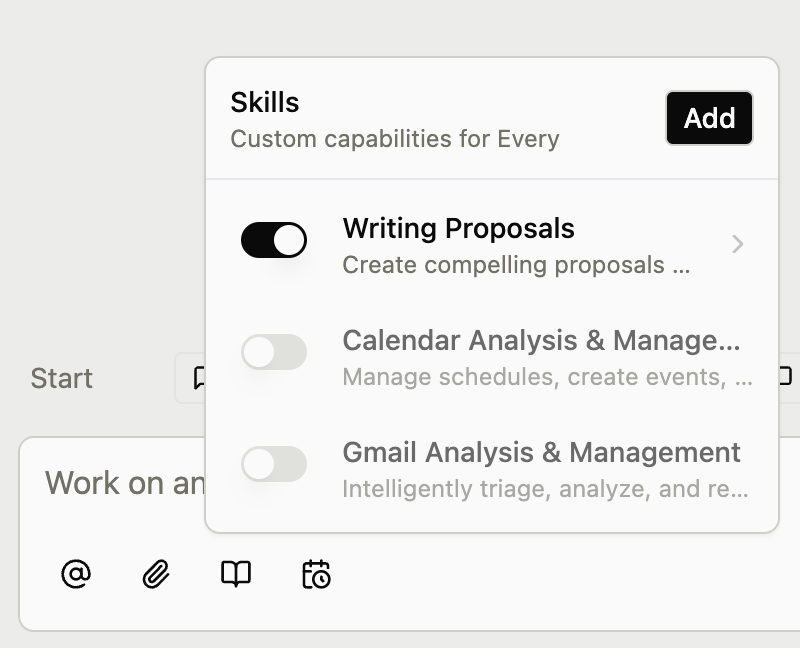
  • Toggle skills on and off from the chat bar to control when they're applied
  • Use 'Tweak with AI' to refine your skills with Every's help
  • Start from templates for common tasks like writing proposals or managing emails
Skills dropdown in chat input

Streamlined Chat Controls

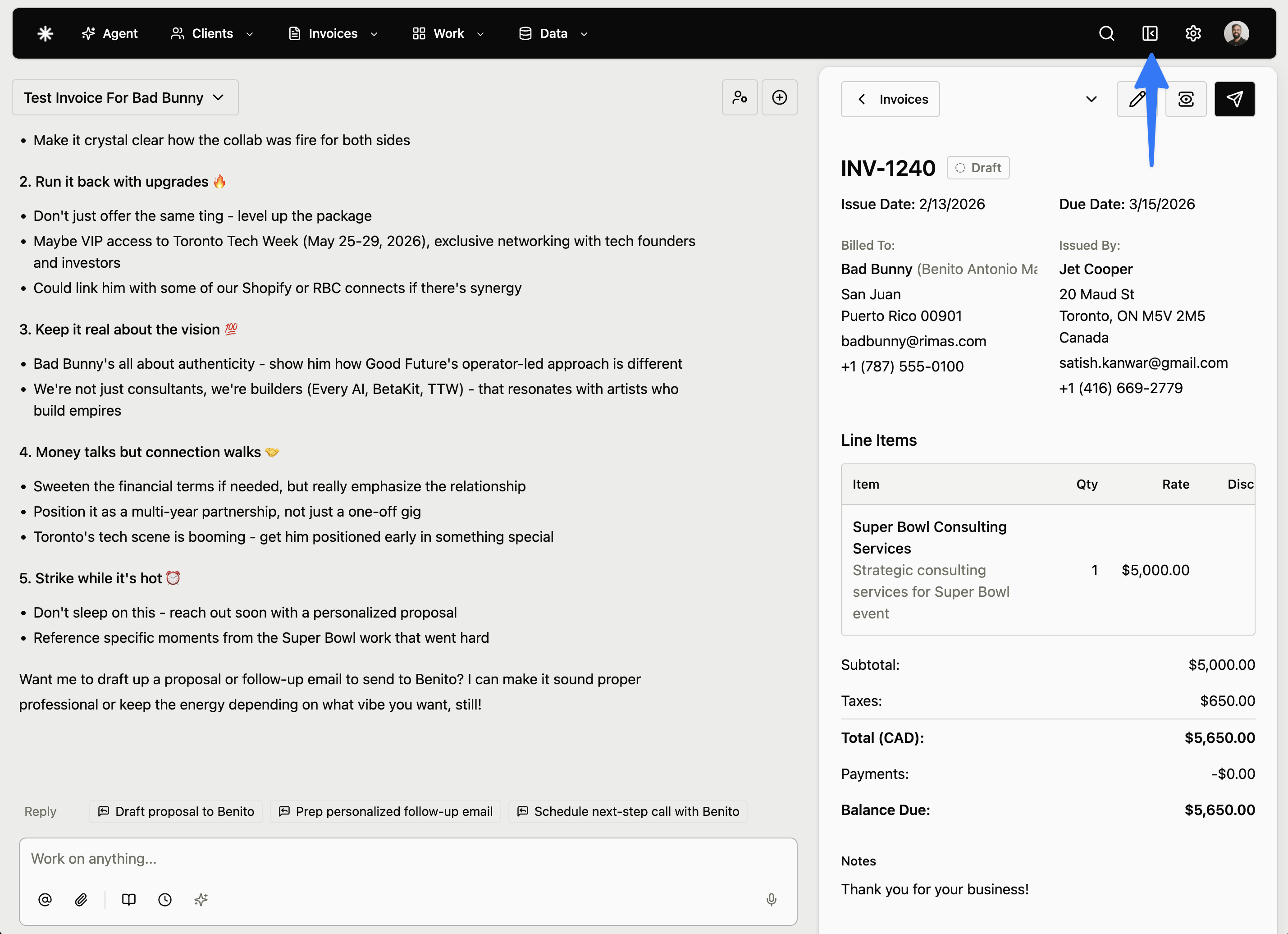
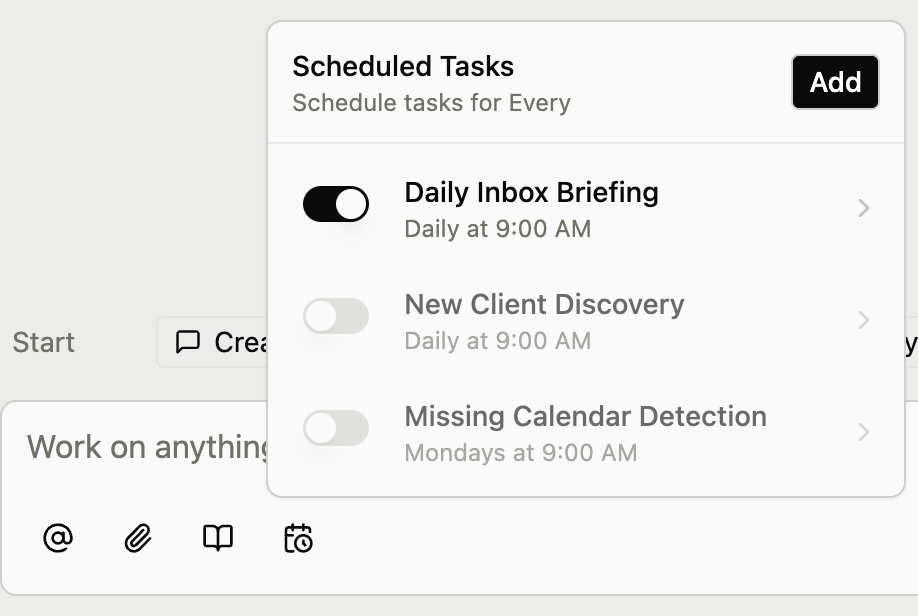
Manage your skills and scheduled tasks directly from the chat input bar for faster access.

  • Click the book icon to view, toggle, and create skills
  • Click the clock icon to manage your scheduled automations
  • Enable or disable any skill or task with a single tap
Skill edit page
Scheduled tasks dropdown
v1.4.0

3x Faster Agent & Action Confirmations

Major infrastructure overhaul delivers dramatically faster agent responses, plus a new confirmation system ensures you're always in control of sensitive actions.

Confirmation Before Sensitive Actions

The agent now asks for your explicit approval before sending invoices, proposals, emails, or deleting data.

  • Sending invoices/proposals or deleting any item now requires explicit approval - anything you can't undo is explicitly controlled
  • 60-second timeout with clear countdown ensures nothing happens without your consent
  • Optional message field lets you provide context when denying an action
Confirmation dialog showing the agent asking for permission before sending an invoice
The agent now asks for your confirmation before performing sensitive actions like sending invoices

3x Faster Agent Responses

Agent responses are now up to 3x faster across all interactions.

  • Complete infrastructure overhaul with optimized streaming architecture
  • Background processing improvements for smoother conversations
  • Enhanced memory and context handling for quicker replies
v1.3.0

CSV Export & Streamlined Navigation

Export your invoice and expense data to popular accounting software with one-click presets, plus a reorganized navigation for easier access to data tools.

CSV Export Tool

Export invoices and expenses to QuickBooks, Xero, Wave, or create custom exports with full control over columns and formatting.

  • One-click presets for QuickBooks Online, Xero, and Wave
  • Customize any preset: fork to a custom format with fields pre-loaded
  • Flexible date filtering: issue date, due date, or paid date
  • Filter by invoice status, payment status, and archive state
  • Drag-and-drop column reordering with editable headers
  • Real-time preview before downloading
New Data navigation menu
The new Data dropdown groups Reports, Import, and Export

Reorganized Navigation

Access all data management tools from the new Data menu in the main navigation.

  • New Data dropdown groups Reports, Import, and Export
  • Quicker access to reporting and data tools
  • Cleaner navigation with related features grouped together
Custom field selector
Customize any preset with the field selector
v1.2.0

Multi-Contact Clients & Enhanced Enrichment

Manage multiple contacts per client with smart email routing, plus AI-powered enrichment that discovers contacts and syncs with Google.

Client Contacts System

Add multiple contacts per client with role-based email routing - send invoices to billing while proposals go to the CEO.

  • Unlimited contacts per client with name, email, phone, and job title
  • Set different primary recipients for invoices vs proposals
  • CC additional contacts on emails without making them the main recipient
  • Each contact can have their own LinkedIn, Twitter, and website links

Enhanced Client Enrichment

AI-powered enrichment now discovers additional contacts at a company from your Gmail and Google Contacts.

  • Discovers contacts by scanning Gmail for emails from the company domain
  • Searches your Google Contacts for matching company emails
  • Choose 'Fill Empty' to preserve your data or 'Overwrite' to update everything
  • Automatically pulls LinkedIn, Twitter, and other social profiles

Google Contacts Sync

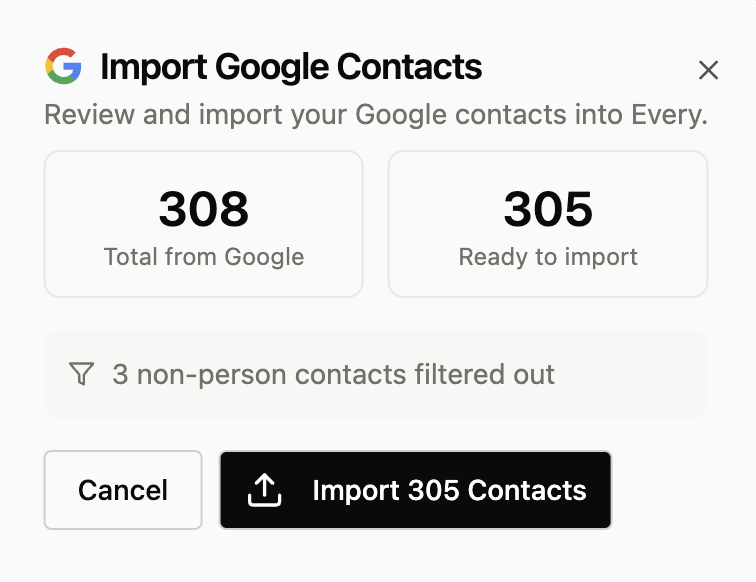
See at a glance which contacts already exist in your team's Google Contacts.

  • Sync indicator badge appears on contacts that match your Google Contacts
  • Know when colleagues have already worked with a contact
  • Email autocomplete pulls suggestions from Google Contacts as you type
  • Daily background sync keeps status current

Payment Notifications & Reminders

Send professional payment confirmations and reminders to keep clients informed.

  • Batch send confirmation emails for multiple manual payments at once
  • Send payment reminder emails for overdue invoices with one click
  • Emails include invoice details, amount due, and payment link
  • Ask Every Agent to 'send reminders to all overdue invoices'
v1.1.1

Smarter Agents & Safer Workflows

We've upgraded the core agent infrastructure for faster, safer assistance with advanced scheduling and parallel tool execution.

Safer Automation

You can now undo actions performed by scheduled tasks, giving you more confidence to automate your workflows.

  • Undo support for actions taken by scheduled agents
  • Improved visibility into scheduled task execution
  • More reliable background job processing
  • Safety guardrails for automated actions

Advanced Agent Scheduling

Take full control of your agent's routine with custom scheduled tasks, personalized instructions, and instant testing.

  • Create fully custom recurring tasks with your own prompts
  • Add specific instructions to built-in tasks (e.g. 'Focus on tech clients')
  • 'Test Now' lets you run any task immediately without affecting the schedule
  • View upcoming scheduled runs directly in your Activity Timeline

Parallel Tool Calling

Agents can now use multiple tools simultaneously, significantly speeding up complex requests.

  • Agents execute multiple actions in parallel
  • Reduced waiting time for complex multi-step tasks
  • Smarter decision making with enhanced Supervisor
  • Faster response times for data-heavy queries

Ready to try Every? AI for your client business.

No credit card required. Monthly credits available on plans. 3K credits