All product updates
· v1.7.0
Voice Input, Thinking Modes & Integrations
Talk to Every with your voice, choose how the agent thinks, connect Xero and HubSpot, and upload more file formats.
Read as MarkdownVoice Input for Chat
Record a voice message and Every transcribes it into text automatically.
- Tap the microphone button in chat to start recording, tap again to stop and transcribe
- Works on both web and mobile

Thinking Modes
Control how the agent approaches your request.
- Fast — quick responses for simple tasks
- Balanced — the default, good for most requests
- Smart & Slow — deeper reasoning for complex problems
- Switch modes from the chat bar before sending a message


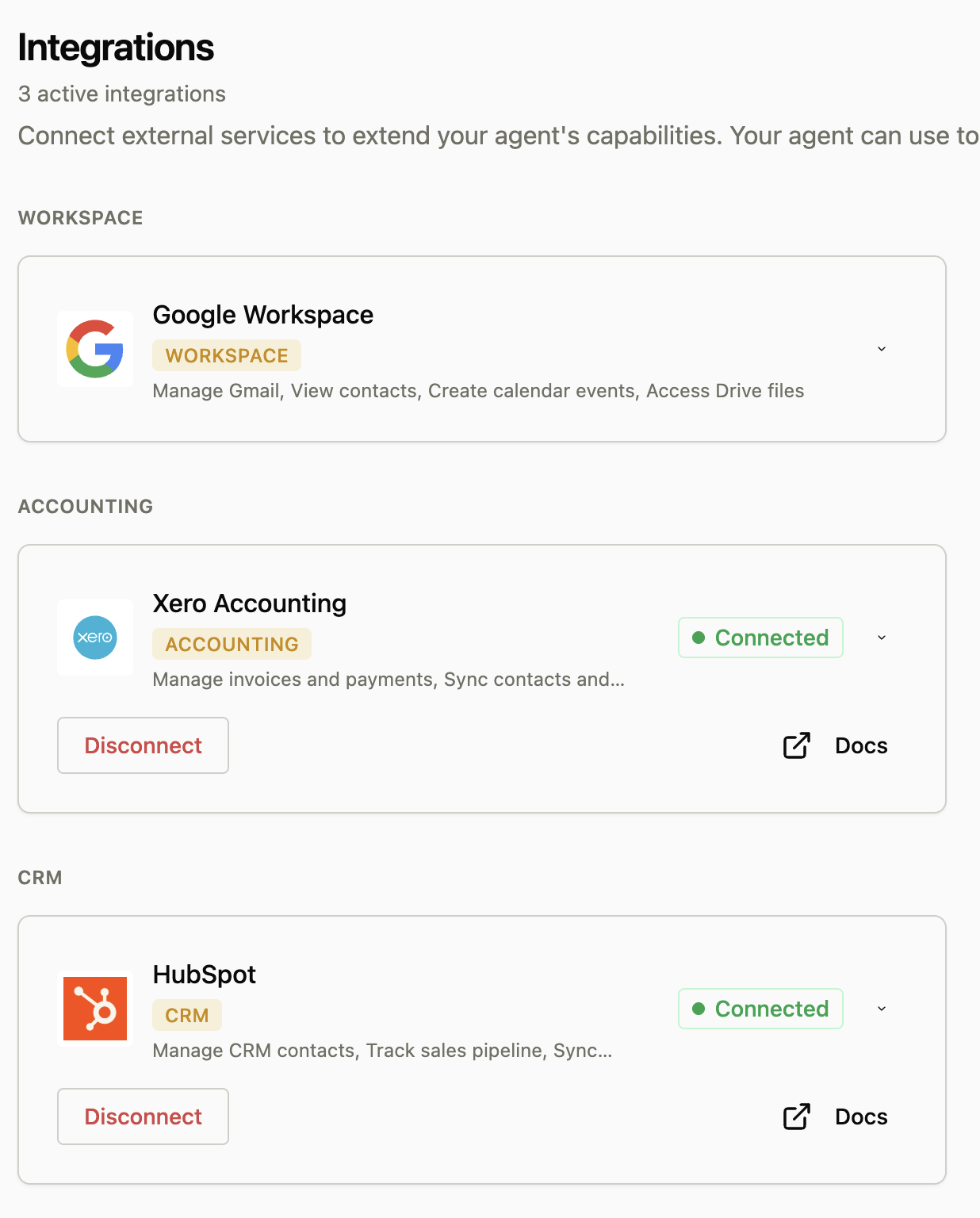
Xero & HubSpot Integrations
Connect your accounting and CRM tools so the agent can work with your real data.
- Xero: Ask the agent to list invoices, look up contacts, pull financial reports, or sync invoices directly into Xero
- HubSpot: Ask the agent to search contacts, look up companies, or check deal stages and pipeline values
- Connect via OAuth from the Integrations page — tokens refresh automatically
More Upload Formats
Upload spreadsheets and Word documents for the agent to analyze.
- Now supports Excel files (.xlsx, .xls) and Word documents (.docx)
- Upload a file and the agent will extract and read the contents so you can ask questions about it
Follow the product update feed for future releases.