All product updates
· v1.21.0
Find and merge duplicate contacts
Import from everywhere without the mess. Every now finds duplicate contacts and merges them for you, so the same person from Google and LinkedIn becomes one complete record. Watch the walkthrough →
Read as MarkdownDuplicate finder
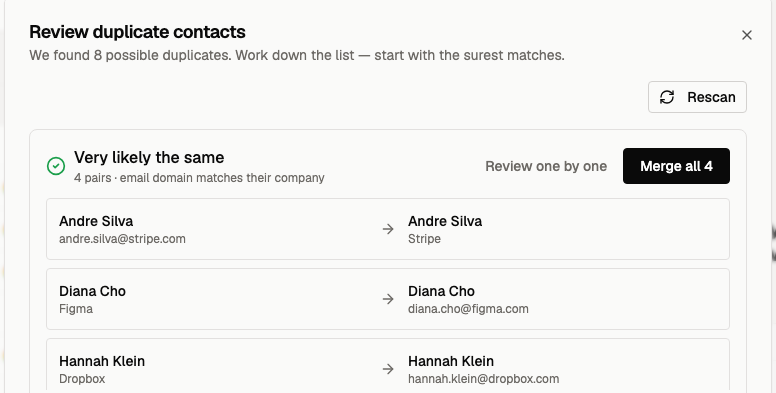
Every spots likely duplicates in your contacts and sorts them by how sure it is.
- Open Contacts and hit Find duplicates. Every groups the matches into very likely, probably, and you-decide
- Merge the obvious ones in bulk, or review the close calls one at a time
- It's smartest right after an import: the same person from Google and LinkedIn gets combined into one complete contact instead of two half-filled ones
- Every merge is reversible, so you can undo any one of them
Follow the product update feed for future releases.