All product updates
· v1.12.0
Client Booking Pages (Retired)
Historical release: Every launched client booking pages in March 2026. The feature was retired on July 24, 2026 and is no longer available.
Read as MarkdownSelf-service booking
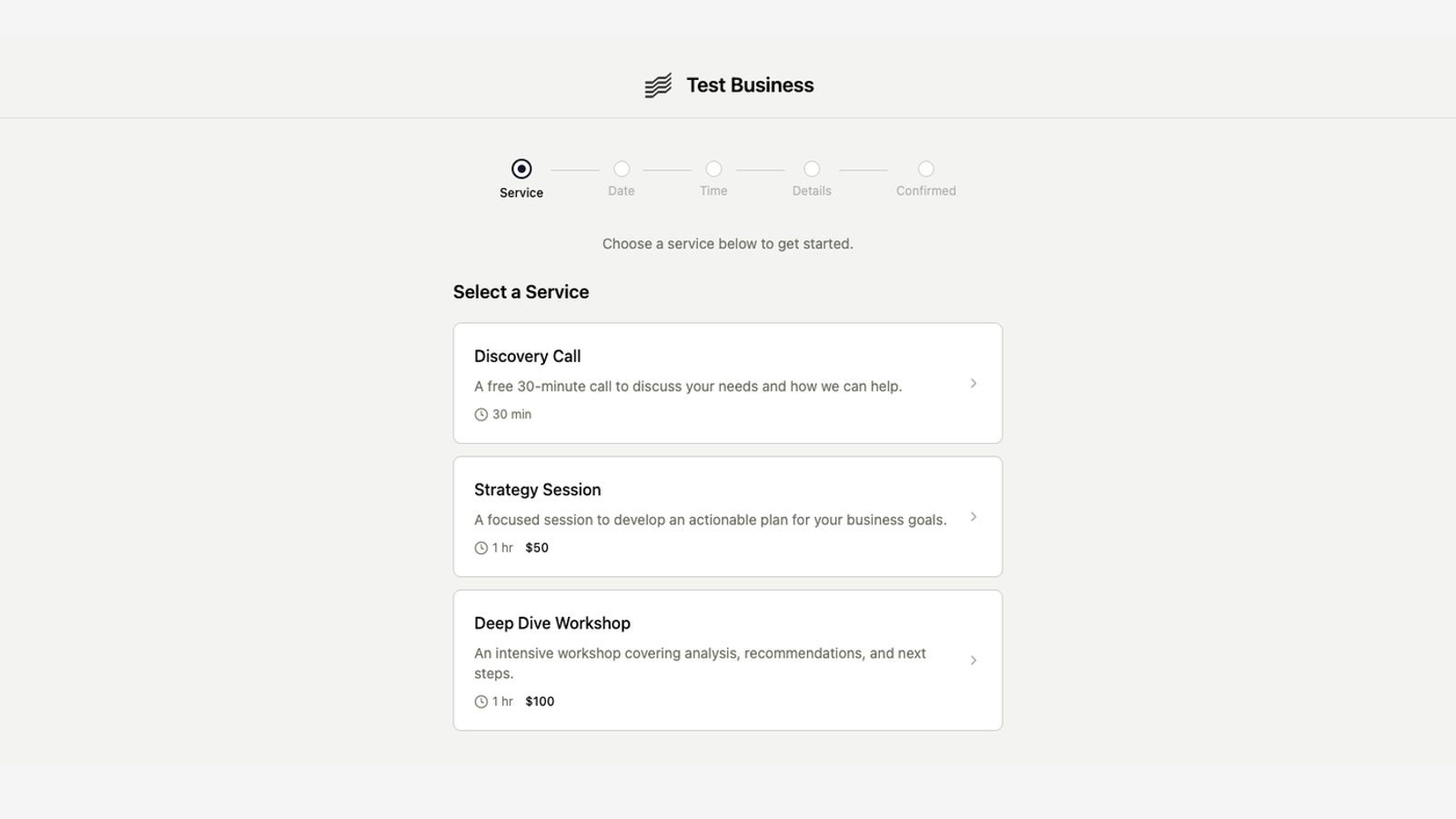
Clients book appointments through your branded page at {slug}.every.ai
- Status: retired July 24, 2026; the details below describe the historical release
- Clients pick a service, date, time slot, and fill in their details
- Three payment options: free, pay at booking (Stripe), or card saved and charged before the appointment
- Google Calendar integration blocks busy slots and creates events automatically
- Automated confirmation, reminder (24h and 1h), cancellation, and reschedule emails
- Clients can cancel or reschedule from a link in their confirmation email — no login needed
Built on your existing data
Bookings connect to your offerings, contacts, clients, and invoices
- Select which of your existing offerings are bookable — with duration, pricing, and location
- New bookers automatically become contacts and clients in your account
- Paid bookings generate invoices marked as paid — your billing records stay complete
- Schedule-later mode lets clients commit without picking a date, so you can schedule manually after
Your own subdomain
The start of a client-facing portal at {slug}.every.ai
- Your booking page lives at a branded subdomain — the first step toward a full client portal
- Customize with your business name, welcome message, and accent color
- Set availability schedules, buffer times, and booking policies
- More client-facing experiences coming to your subdomain soon
Follow the product update feed for future releases.